Tealium: Multifactor Authentication
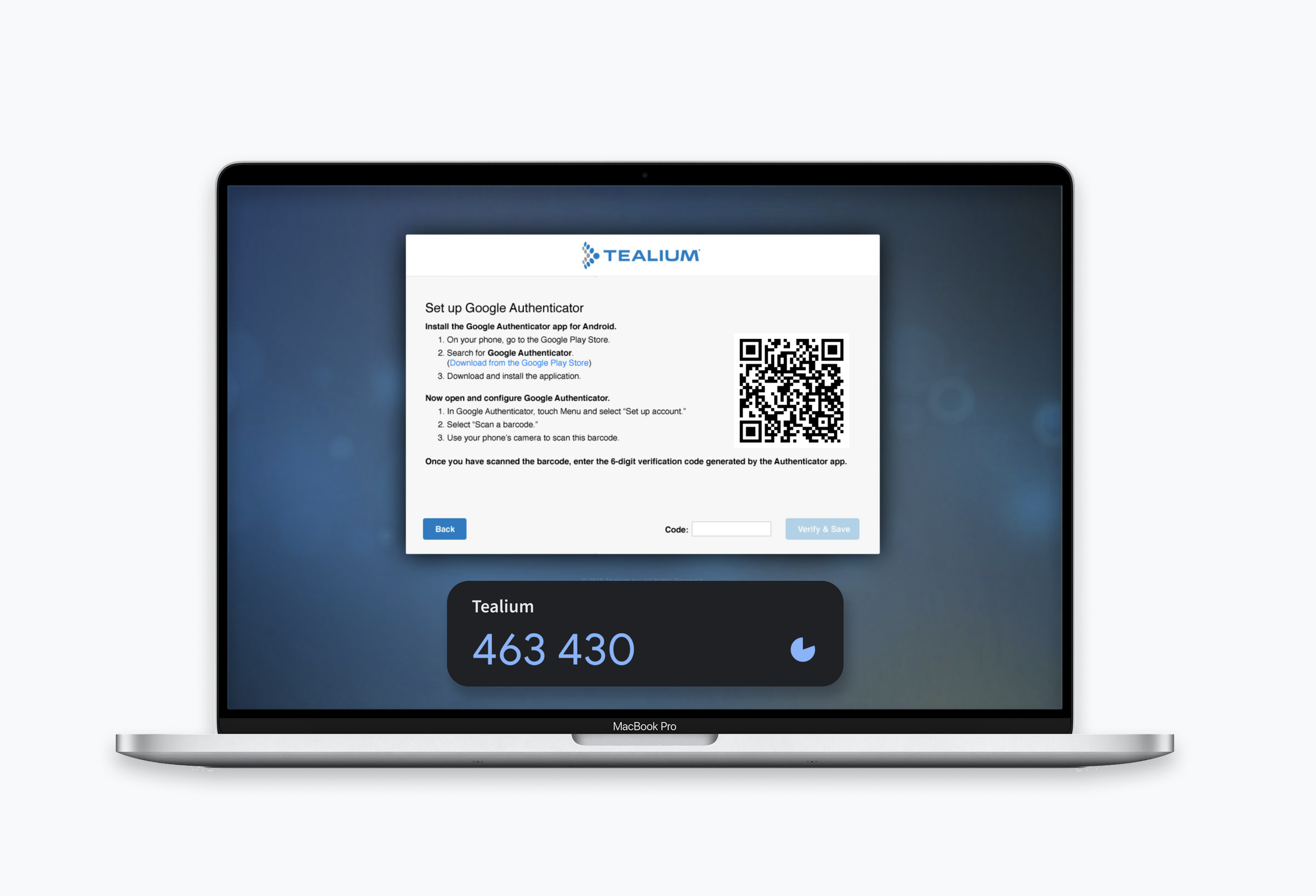
Project Background
The goal
Provide users with additional layer of security in order to meet security compliances.
The Design Challenge
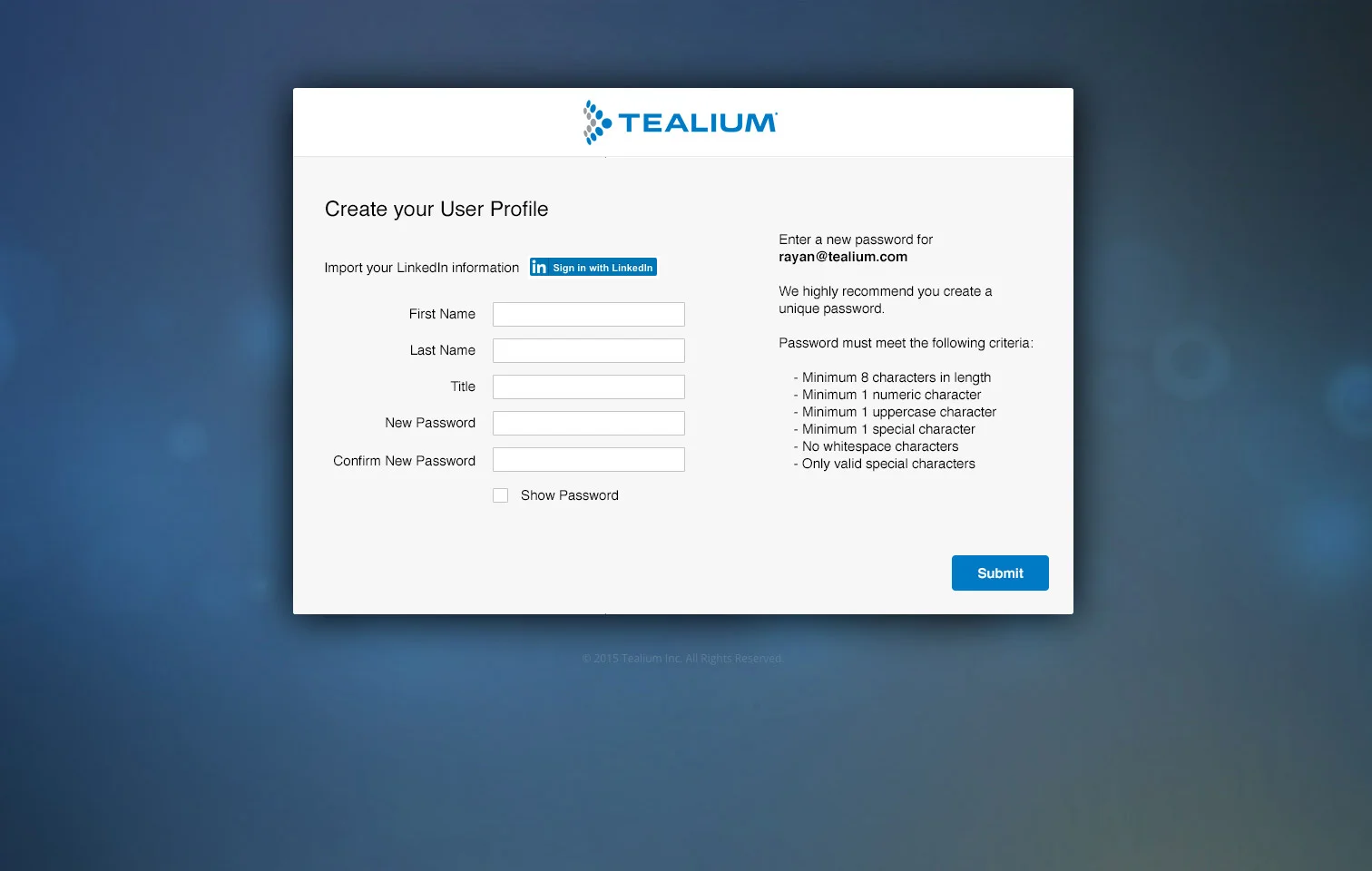
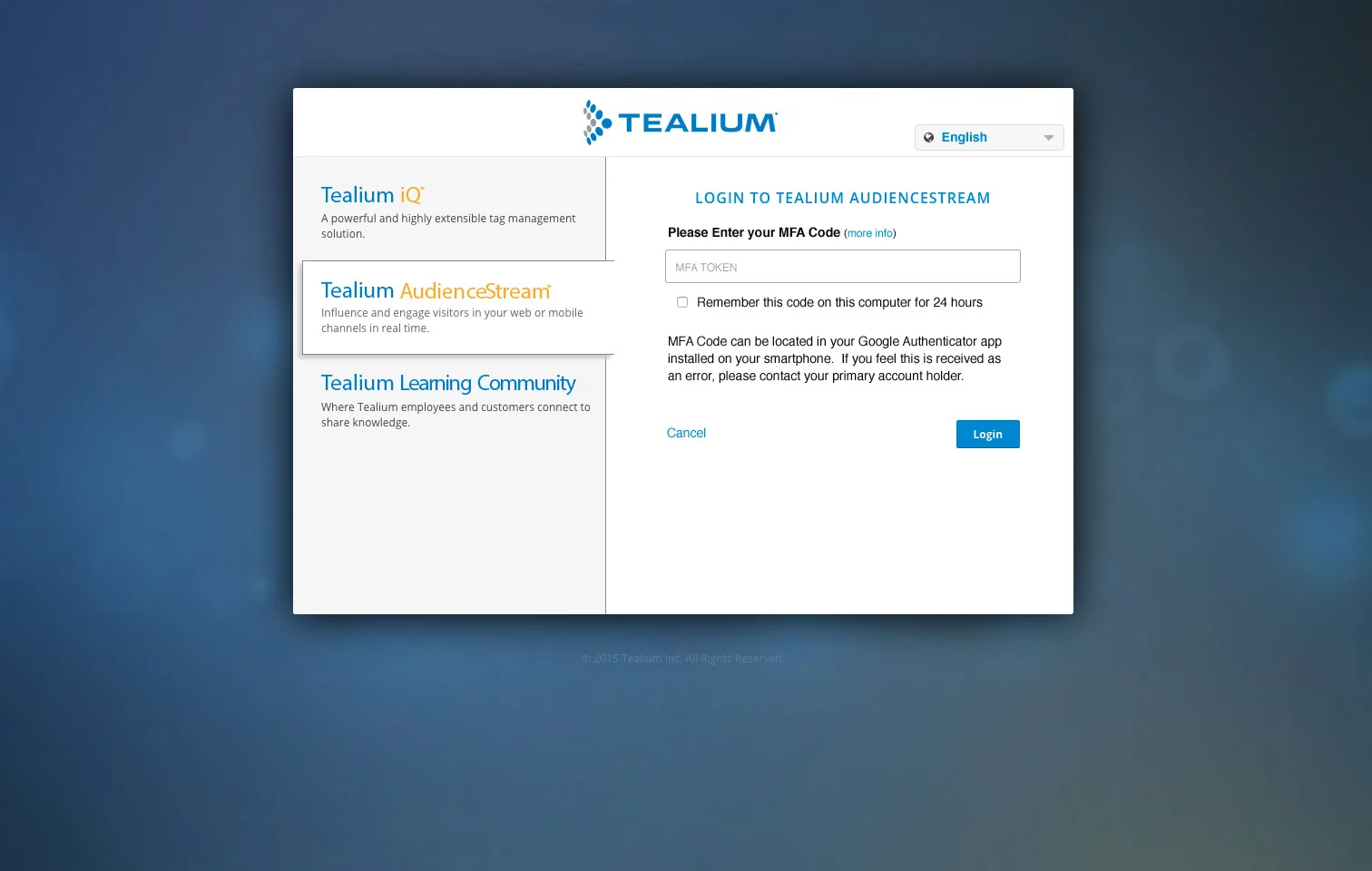
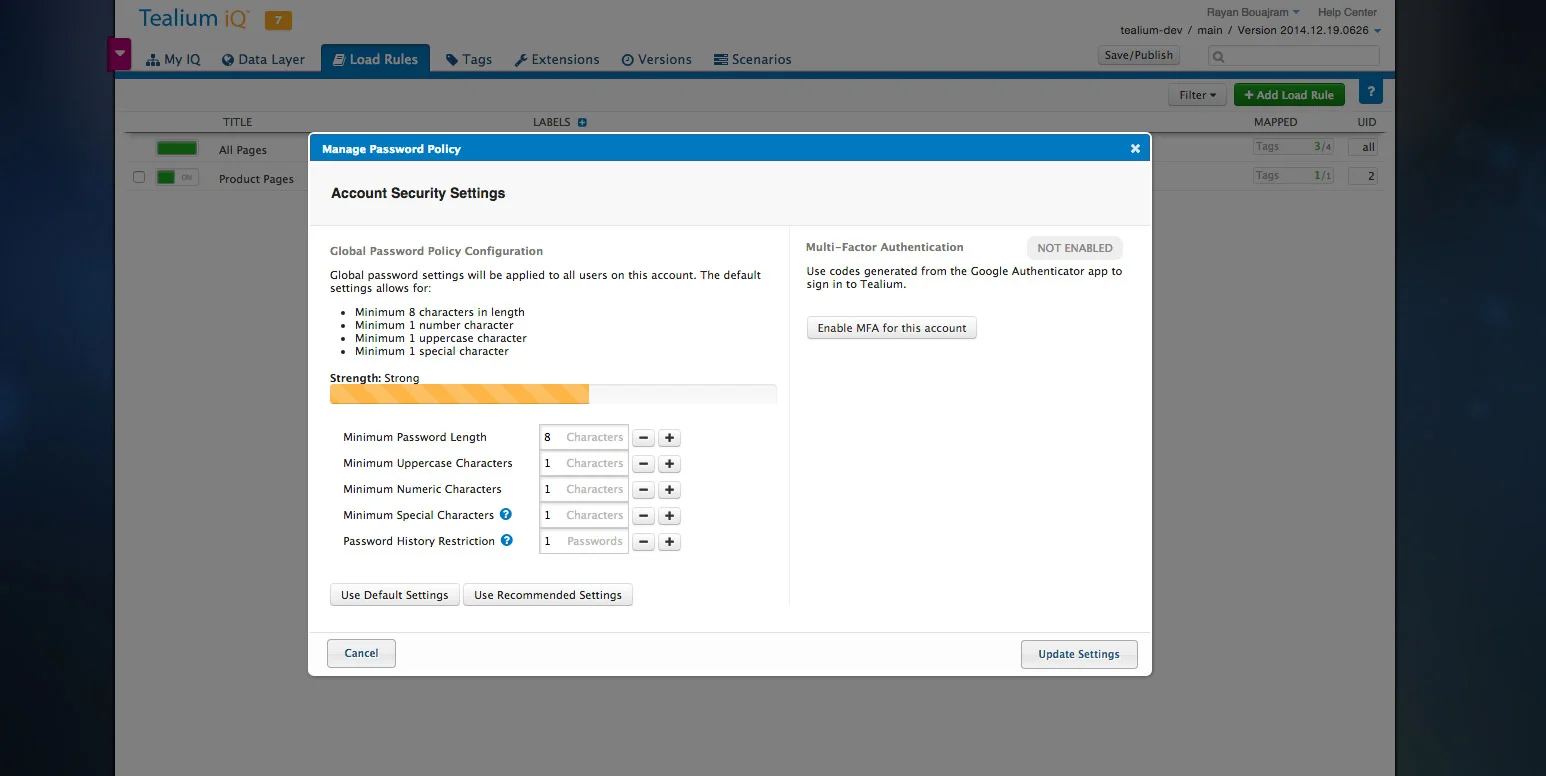
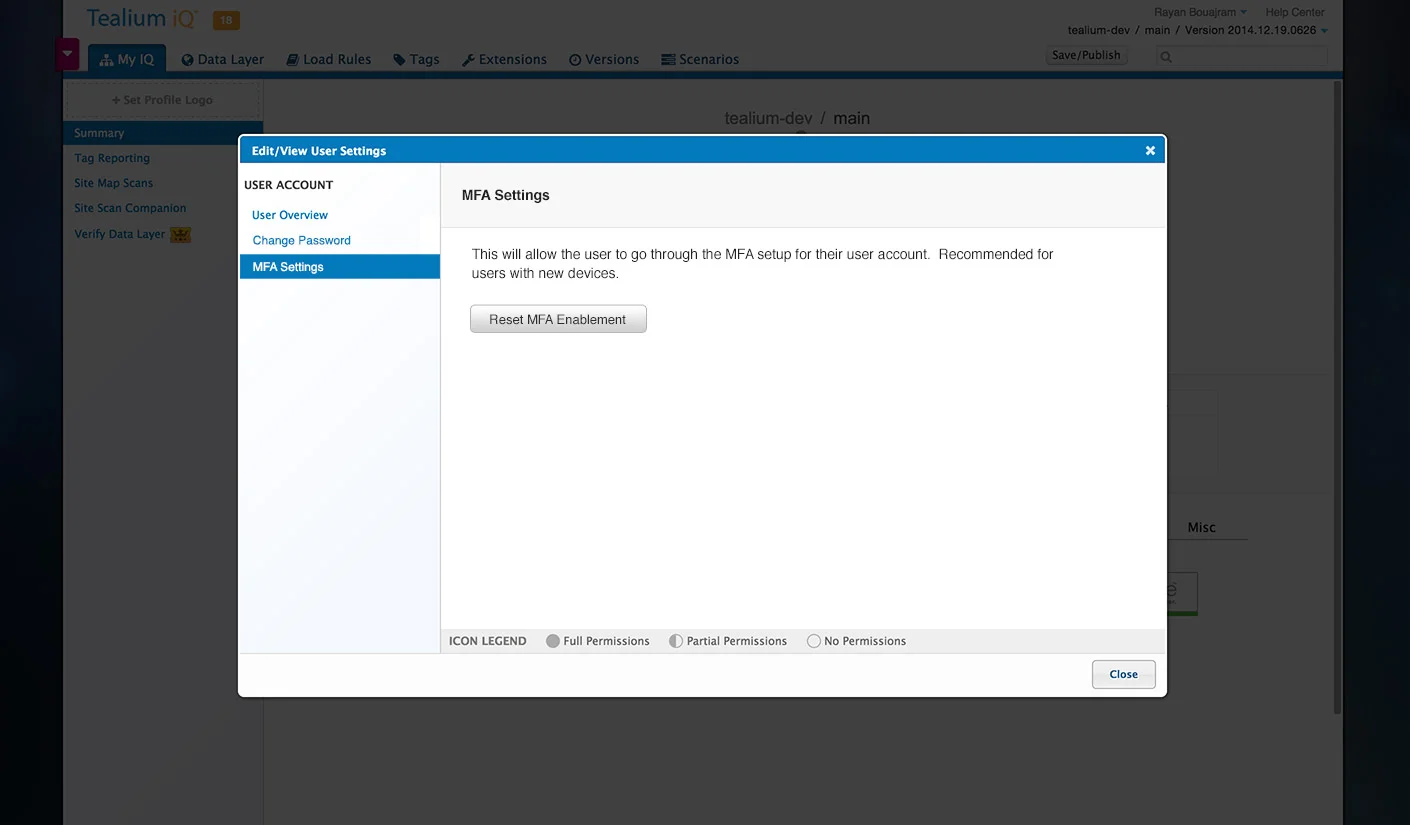
Design experiences for general end-users to set up and configure MFA, and admins to reset tokens for users.
Team
1 UXD & Developer (My Role)
1 Frontend Developer
1 Backend Engineer
VP of Engineering
Tools
Sketch, InVision, Lucidchart
Core Problem
Tealium was still in the early stages of a paid tag management solution. Due to an ongoing climb in high-profile customers and promises that were communicated to new customers, the company received security audits and RFAs that required multi-factor authentication in order to pass successfully.
Requirements
I was called in to work with a front-end and back-end developer to craft several MFA experiences and resolve this in a scrappy manner using existing technology. Upon doing an investigation with device support and sharing it with the team, we’ve concluded the following:
There’s no time to integrate SMS support
Blackberry was easy to support but they’re a declining platform, so we collectively discarded including their support (although the truth is we just didn’t have a test device).
Windows Phone was not popular enough to support.
Process Flow

Process Flow demonstrates the decision trees that happen behind the scenes for a user who’s logging into the platform. It also shows how to enable/disable MFA for an entire account.